Stripe Subscriptions using php – Download Full Source Code
-
 Jeetendra Singh
 - 22 Aug, 2017
Hi Guys,
In This blog article i am going to explain about STRIPE SUBSCRIPTIONS USING PHP and making available the source code also. by extending this code you can make a complete subscription management script.
Here in this article about
stripe subscriptions using php ,
i am going to create a pricing table where 3 type of plans are defined that plan will create on stripe if plan not exists on stripe panel and then create a customer and create a subscription in that customers reference.
Note: the Stripe account is the pre requisite for you , where we will require stripe publishable key and secret key.
and the stripe php library will be require for including in config file so dont worry about the stripe php library it will be available in full source code download of this article.
Step 1: Create a config file and put following code :
"sk_test_456456546hgjhg", "publishable_key" => "pk_test_567hjhgjghgjhg" ); \Stripe\Stripe::setApiKey($stripe['secret_key']); ?>Note : you need to change the publishable key and secret key in this config file
Step 2: Create a file index.php where pricing table and stripe client side code will come as following :
<meta name="viewport" content="width=device-width, initial-scale=1.0">Stripe Subscriptions using php
with Responsive Pricing Tables
- Basic
- $ 9.99 / year
- 10GB Storage
- 10 Emails
- 10 Domains
- 1GB Bandwidth
-
    <form action="" method="POST" class="spacing">
    <input name="plan" type="hidden" value="Basic" />
    <input name="interval" type="hidden" value="year" />
    <input name="price" type="hidden" value="9.99" />
    <input name="currency" type="hidden" value="usd" />
    <script
      src="https://checkout.stripe.com/checkout.js" class="stripe-button"
      data-key="<?php echo $stripe['publishable_key']; ?>"
      data-image="https://www.w3school.info/wp-content/uploads/2017/08/w3school_logo.png"
      data-name="BASIC PLAN"
      data-description="Start with basic plan"
      data-panel-label="Subscribe Now"
      data-label="Subscribe Now"
      data-locale="auto">
    </script>
  </form>


</li>
- Pro
- $ 24.99 / year
- 25GB Storage
- 25 Emails
- 25 Domains
- 2GB Bandwidth
- Premium
- $ 49.99 / year
- 50GB Storage
- 50 Emails
- 50 Domains
- 5GB Bandwidth
Step 3: Now the Stripe Server Side code where after inputing the card details Actyual payment need to be done
So create a file create-subscription.php which is already included in index.php code in top lines, and this file wil have following Code:
$_POST['plan'], "id" => "plan-".$_POST['plan'], "interval" => $_POST['interval'], "currency" => $_POST['currency'], "amount" => $_POST['price']*100, )); $customer = \Stripe\Customer::create(array( "email" => $_POST['stripeEmail'], "source" => $_POST['stripeToken'], // The token submitted from Checkout )); \Stripe\Subscription::create(array( "customer" => $customer->id, "items" => array( array( "plan" => "plan-".$_POST['plan'], ), ), )); $success = "Thanks! You've subscribed to the " . $_POST['plan'] . " plan."; } catch(\Stripe\Error\Card $e) { // Since it's a decline, \Stripe\Error\Card will be caught $body = $e->getJsonBody(); $error = $body['error']['message']; } // Probably want to log all of these for later or send yourself a notification catch (\Stripe\Error\RateLimit $e) { $error = "Sorry, we weren't able to authorize your card. You have not been charged."; } catch (\Stripe\Error\InvalidRequest $e) { $error = "Sorry, we weren't able to authorize your card. You have not been charged."; } catch (\Stripe\Error\Authentication $e) { $error = "Sorry, we weren't able to authorize your card. You have not been charged."; } catch (\Stripe\Error\ApiConnection $e) { $error = "Sorry, we weren't able to authorize your card. You have not been charged."; } catch (\Stripe\Error\Base $e) { $error = "Sorry, we weren't able to authorize your card. You have not been charged."; } catch (Exception $e) { $error = "Sorry, we weren't able to authorize your card. You have not been charged."; } } ?>Now you are Ready it will look like this :
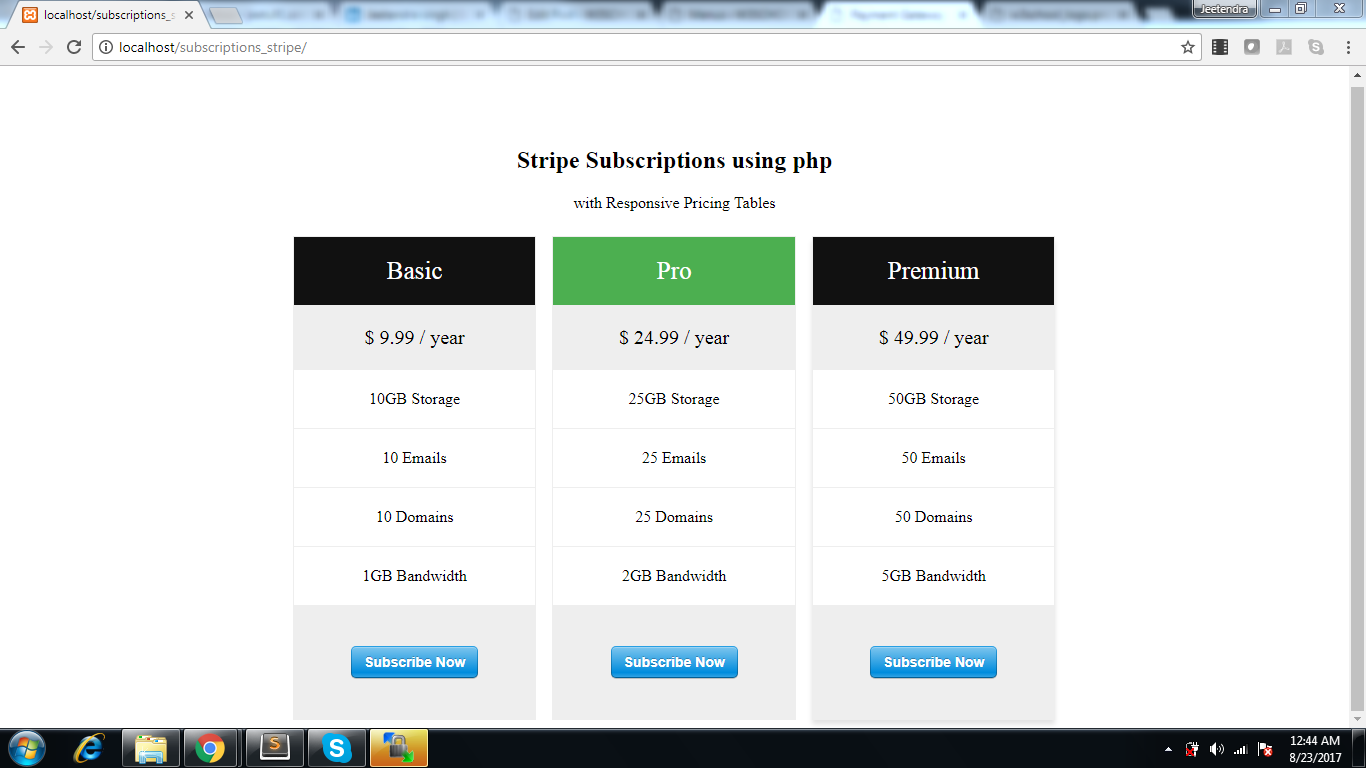
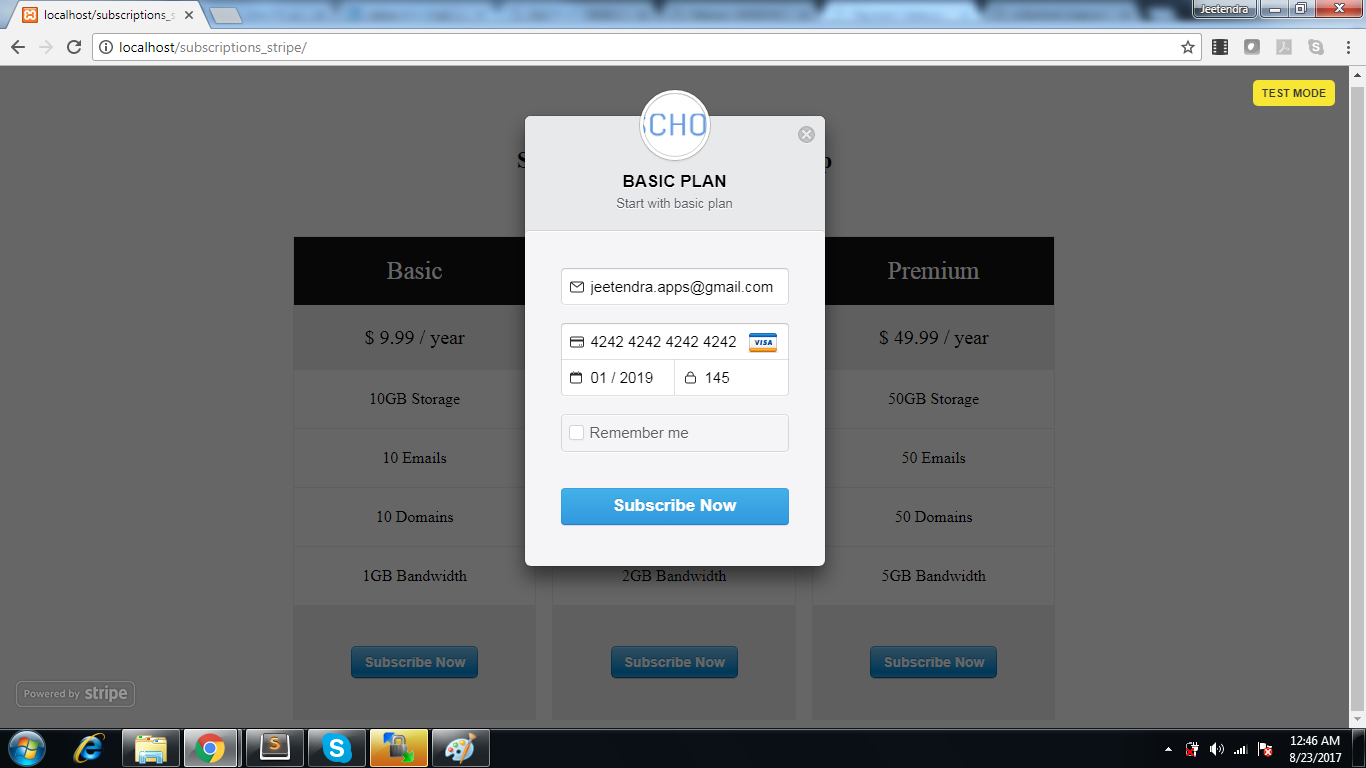
and if we click on any subscription button it will prompt a stripe popup like this
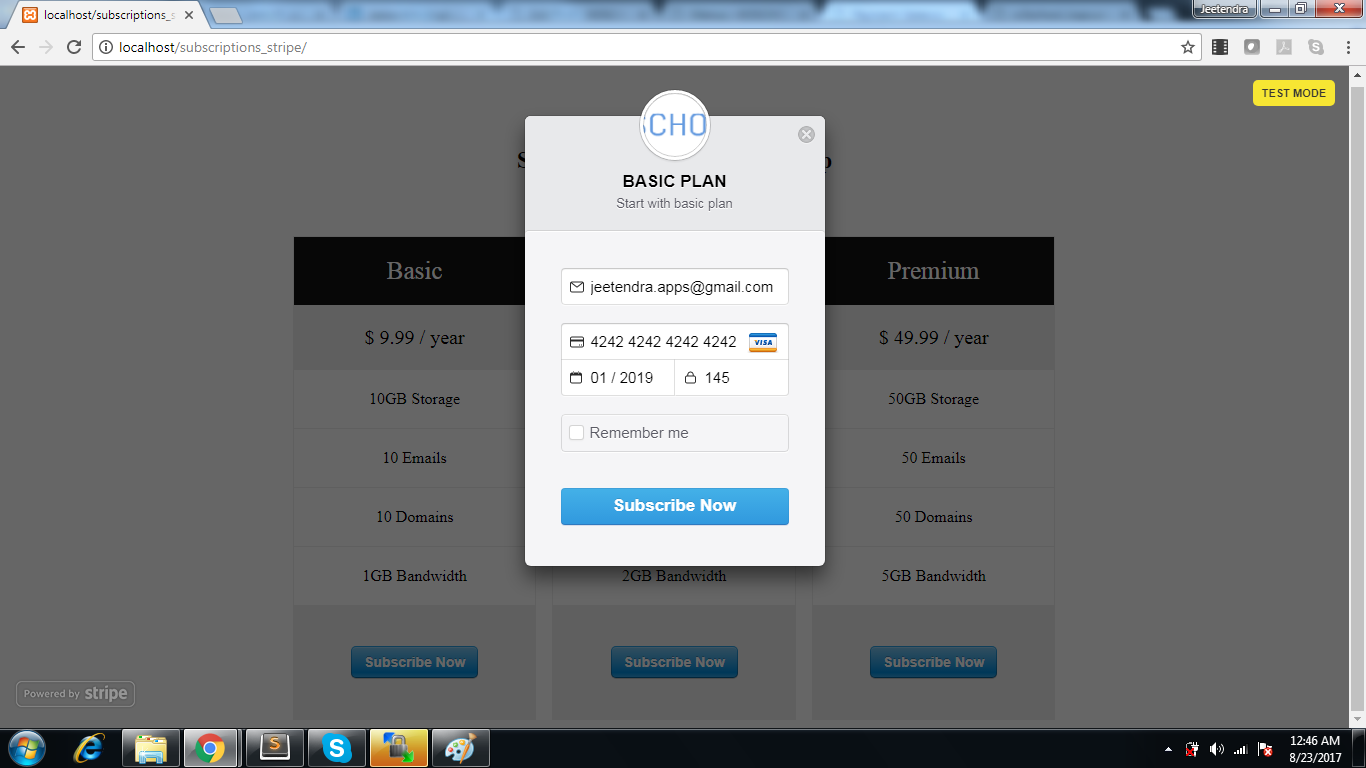
stripe subscriptions credit card prompt by stripe
Click HERE to download full source code
Note: this is completely Free script.
if you have any trouble in download this then please contact me at [email protected] or ask query in comments below