Showing Posts From
Image or file upload in angular js
-
 Jeetendra Singh
 - 20 Nov, 2016
Image or file Upload in angular js
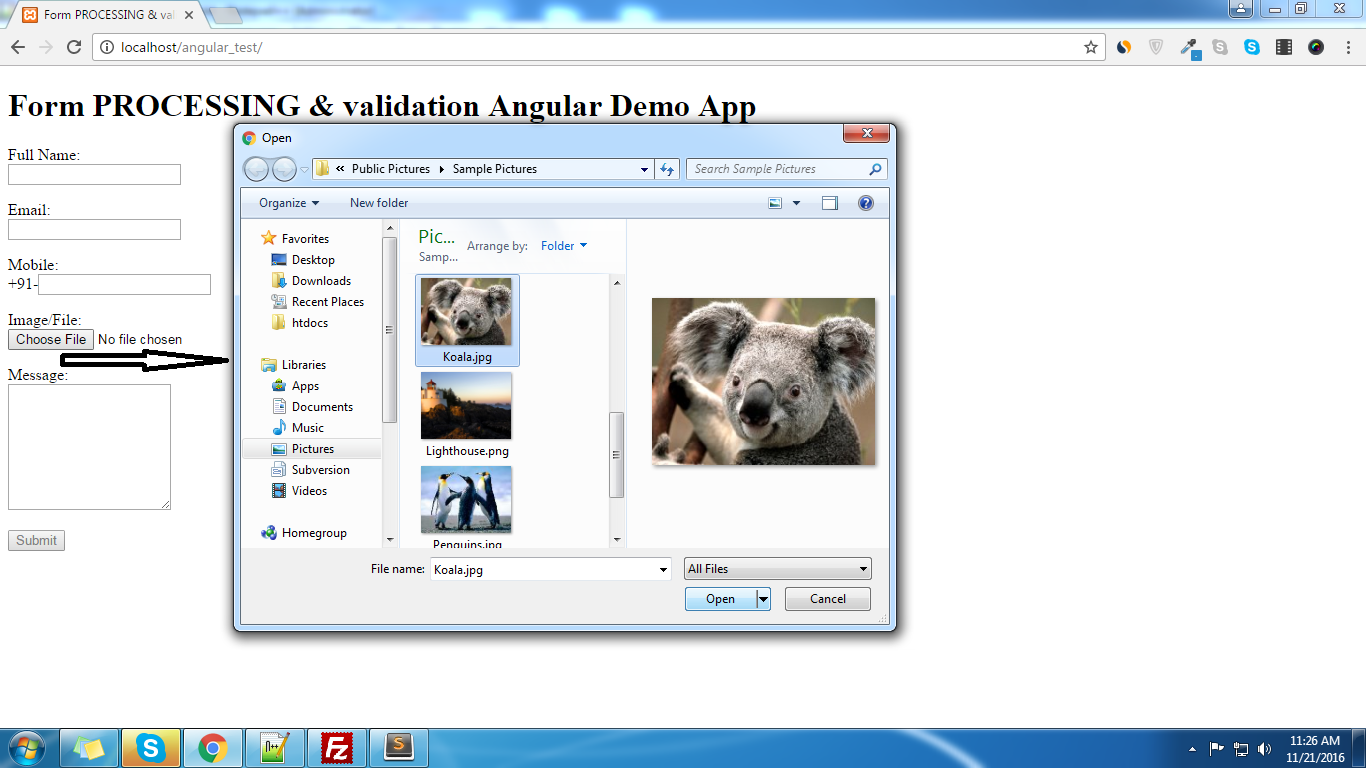
This tutorial is based on Image or file Upload in angular js . i am providing simple steps to image or file upload , I am assuming that you have already submitted the form using angular js, i have provided all steps in my previous tutorial Now follow these steps in existing one: add input type file inside your form as following: Image/File:Image/File is required. In above code we have passed a method name ‘uploadedFile’ in onchange of that input type file so need to create that function in our existing controller as following:$scope.uploadedFile = function(element) { $scope.$apply(function($scope) { $scope.files = element.files; }); } now we need to make some modification(related to add files and header info) and need to add transformRequest param, in our http post method as following: $http({ url: "http://localhost/web_services/add_enquiry.php",//or your add enquiry services method: "POST", processData: false, headers: { 'Content-Type': undefined }, data : $scope.formdata, transformRequest: function (data) { var formData = new FormData(); var file = $scope.files[0]; formData.append("file_upload",file); //pass the key name by which we will recive the file angular.forEach(data, function (value, key) { formData.append(key, value); }); return formData; }, }).success(function(data, status, headers, config) { $scope.status=data.status; if($scope.status==1) { $scope.formdata=""; $scope.myform.$setPristine();//for flush all the validation errors/messages previously alert(data.message); } else { alert(data.message); } }).error(function(data, status, headers, config) { alert("Something Error in form process"); });Now we can easily Recieve the image or file with ‘file_upload’ named field in php $_FILES array in our webservice, we need to save the file in uploads or any other folder and save its name to database as follow. 0,"message"=>"File not choosen!"); print json_encode($response); exit; } $f_name=uniqid("img_").str_replace(" ","-",$_FILES['file_upload']['name']); $target_file="./uploads/".$f_name; if(!move_uploaded_file($_FILES['file_upload']['tmp_name'], $target_file)) { $response=array("status"=>0,"message"=>"File Upload Failed!"); print json_encode($response); exit; } $uploaded_file=$f_name; //now in your further code/insert query you can use $uploaded_file varriable as file name into your db //your further code here// //.....// //.....// //.....// ?>