CREATE OWN CAPTCHA FOR YOUR WEBSITE
-
 Jeetendra Singh
 - 28 Jul, 2016
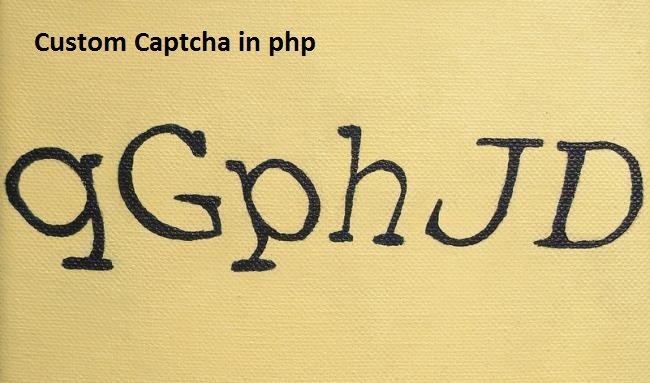
Hi Geeks, I am sharing you a program forcreating a captcha script using php and javascript. Following are the simple steps to create captcha in php
Step 1: Create a php script named ‘captcha.php’ with following code that generate and return a captcha image.
Step 2: Now create a captcha.js file and put following code in the file.
function reload() { img = document.getElementById(“capt”); img.src=“captcha.php”; }
$(document).ready(function(){
var htm=’
’;
$(‘#custom_captcha’).html(htm);//set the captcha data in element having id > custom_captcha . you can change as your div/Element id
});
Step 3: Now we need to create a Placeholder Element inside the form as following:
Step 4: Now after submitting you from validate the captcha was right or not. So in your form submit action use following code.Note 1: In which page/form you are using the capcha , there should be session start in top of the file as following:
and also include the js file in your php page head section. jquery should be available before the captcha.js inclusion as following:
Note 2: PHP GD LIBRARY SHOULD BE INSTALLED ON YOUR SERVER.